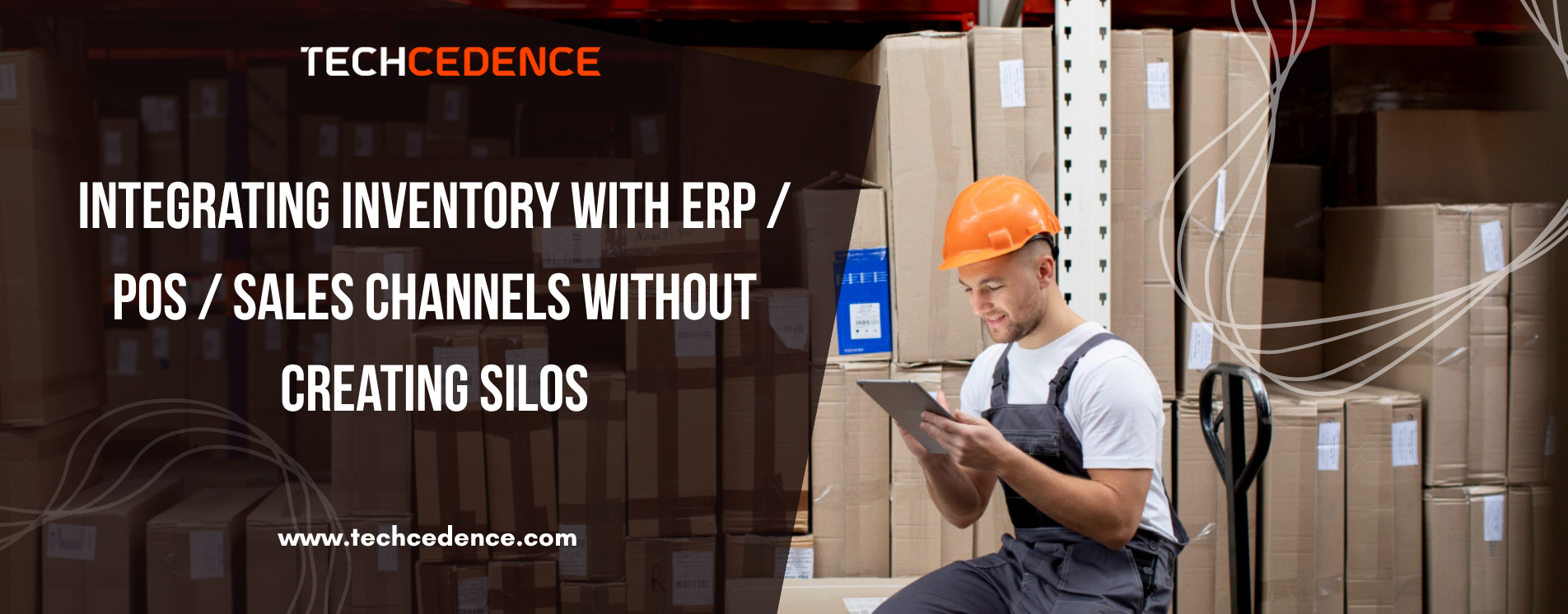
Integrating Inventory with ERP / POS / Sales Channels Without Creating Silos
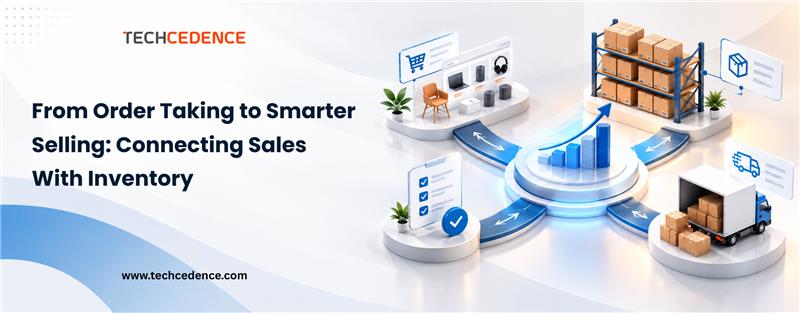
Businesses use many different systems to support day-to-day operations that depend on one another: ERP for finance and planning, POS for retail transactions, and sales channels for customer-facing interactions. While each of these systems is doing a valuable job, problems arise when the systems operate in isolation. This creates data silos that lead to inaccurate stock levels, delays in order fulfillment, and an absence of visibility across functions.
Now, more than ever, all of these activities can create challenges to growth and a loss of trust from customers. Having real-time accuracy, transparency, and synchronization of every transaction from purchase through delivery is critical to establishing a stable infrastructure to enable your inventory systems to constantly communicate with your ERP system, POS system, and your sales channels.
Why Integration Matters for Inventory Accuracy and Efficiency
When inventory systems, ERP systems, and POS or sales channels integrate seamlessly, they create one operational environment where every stock movement, order, or transaction takes place and is captured and shown across systems in real time. This kind of integration eliminates the risk of miscommunication or duplicate data and provides teams with a consistent and accurate view of what inventory they have and where it is located.
Integration means that inventory data flows easily between functions. The sales team has immediate access to what stock is available, procurement can plan purchases based on what sales value or actual demand is, and finance can reconcile transactions without requiring more time. The end result is more transparency, speedier decision-making, and improved collaboration and teamwork across functions.
Beyond simply being accurate, integrating inventory with any of these systems makes processes more efficient through automation of manual processes. Your business will no longer have to make multiple updates to track product movement manually or send spreadsheets to multiple departments to track product movement. Staff will be able to concentrate on value-creating work, while inventory software continues to update all systems simultaneously.
Key Considerations Before You Integrate
Integrating inventory with ERPs, POSs, and sales channels has plenty of advantages, but organizations should prepare properly before moving forward with integration. It is essential that the integration meets effective operational outcomes and fits within the technical ecosystem.
First and foremost, it is important to assess system compatibility. Each platform has its own data structure, configuration, and communication parameters. In integration, SKU codes, product categories, and units of measure must match across platforms to avoid mismatched data.
Secondly, assess API availability and the need for middleware to provide an easy and efficient connection of the systems. A proper API layer will make data collection and utilization easy and will also minimize disruption when performing future updates and version changes.
Data security and access are also important. Integration should never compromise sensitive data or expose previously unidentified vulnerabilities. Proper governance policies and user permissions should be in place to ensure access to only those who are authorized to access and modify critical data.
Finally, consider scalability. The integration formed today should also meet future growth needs, such as the need to add different sales channels, increase the size of warehouses, or conduct a sufficient volume of total transactions etc. A developed design will provide affirming sustainability and minimize costly rework as the business matures.
How TracInv Simplifies Multi-System Integration
Utilizing seamless integration across multiple systems requires a solution that is adaptable, intelligent, and built for interoperability. TracInv was designed for this purpose. It connects inventory operations, ERP platforms, POS systems, and sales channels into a unified data environment that improves visibility and control.
TracInv ensures real-time data synchronization, so every sale, purchase, or stock change is accurately reflected across all connected systems, eliminating the lag from manual data updates while minimizing the errors that create stockouts or overstock conditions.
TracInv’s API driven architecture allows easy integration with leading ERP and POS systems, bringing businesses together without disrupting their current workflows. It offers centralized dashboards that aggregate data from all the channels into a single system that allows a manager to understand all systems and enterprise operations from a complete and accurate perspective, including stock movement, sales trends, and fulfillment performance.
By combining automation, connectivity, and scalability, TracInv enables enterprises to achieve consistent operational efficiencies and improved decision-making. TracInv turns an increasingly complex multi-system environment into a single synchronized ecosystem where every process is working well together.
Best Practices for Maintaining Integration Health
Integration is only the first step: maintaining it effectively is what ensures lasting value. Systems change, data structures change, and sales channels may evolve, too. Without continued maintenance, the most seamless integrations can lose efficiency.
To maintain system harmony, organizations should conduct data audits routinely to locate and repair inconsistencies between disparate platforms. Periodic checks on syncing (both scheduled and non-scheduled) help ensure all updates and transactions continue to flow back and forth without problems. Establishing automated alerts for syncing failures or mismatched records helps teams proactively address potential issues before they become detrimental.
Equally important is data governance. Make sure to define who owns what data, establish an approval hierarchy for data component updates, and designate who has access to what information. Utilizing a disciplined approach to data can help organizations ensure consistency, security, and accountability.
It is also important to train teams continuously. Employees should understand how to navigate the integrated workflows and how their actions impact the connected systems. This provides a sense of ownership by employees and reduces reliance on IT support for everyday tasks.
Finally, find solution providers with ongoing technical support for maintenance of the system. With proper technical support and regular maintenance, businesses can keep the integration optimized as technology and organizational needs evolve.
Conclusion
Systems being disconnected are not sustainable. When inventory, sales, and operations are run on completely different systems, you’re stuck with limited visibility, slow decision-making, and it can lead to more costly mistakes. Therefore, Integration should not be about technology; it should be about enabling business excellence.
By integrating the inventory system with ERP, POS, and sales channels, you get a single view of your data and visibility into the organization to see changes and respond to the market in real time. The outcome is stronger operational agility, transparency, and accuracy that leads to enhanced customer satisfaction and long-term business growth.
With TracInv, you no longer need to suffer through the pain of siloed systems. TracInv is designed to break the barriers of siloed systems and easily connect to all your systems, while scaling quickly, operating accurately, and offering flexibility in usage.